Description :
This form is used for defining holidays for the current academic year.
Step1 Click on any of the button given below.

Trust |
On click of this button it displays the details of the trust in the tree. Select trust from the tree. |

Company |
On click of this button it displays the details of the companies in the tree. Select company from the tree. |

Standard |
On click of this button it displays the details of the standards in the tree. Select standard from the tree. |

Division |
On click of this button it displays the details of the divisions in the tree. Select division from the tree. |
Step2 Click on the below given button.
|
On click of this button it displays the current Academic year date in the Start Date and End Date control. |

Accounting |
On click of this button it displays the current Accounting year date in the Start Date and End Date control. |
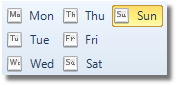
Step3Click on any of the button given below.
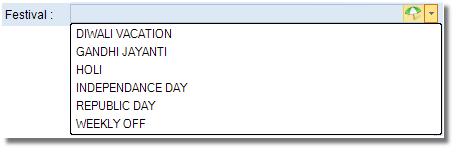
Step4Select the Festival from the dropdown menu.